Add Many Rooms at Once
Create a whole floor of rooms in one go — no need to add them one by one.
Add Many Rooms at Once
What you'll learn: How to create dozens or hundreds of rooms in a single action, instead of clicking "Add Room" 50 times.
Time needed: 2 minutes for a whole floor.
Before you start
You'll need:
- Login access. See First Login.
- A range of room numbers that follow a pattern, like
101to150for the first floor.
Important: Bulk Create only works for continuous numeric ranges on one floor. If your numbers skip (e.g. you skip 113 because of triskaidekaphobia), do that floor in two ranges, or add the odd ones out individually.
Step 1: Open the Add Room dialog
In the left sidebar, click Rooms, then click the [Add Room] button at the top right.
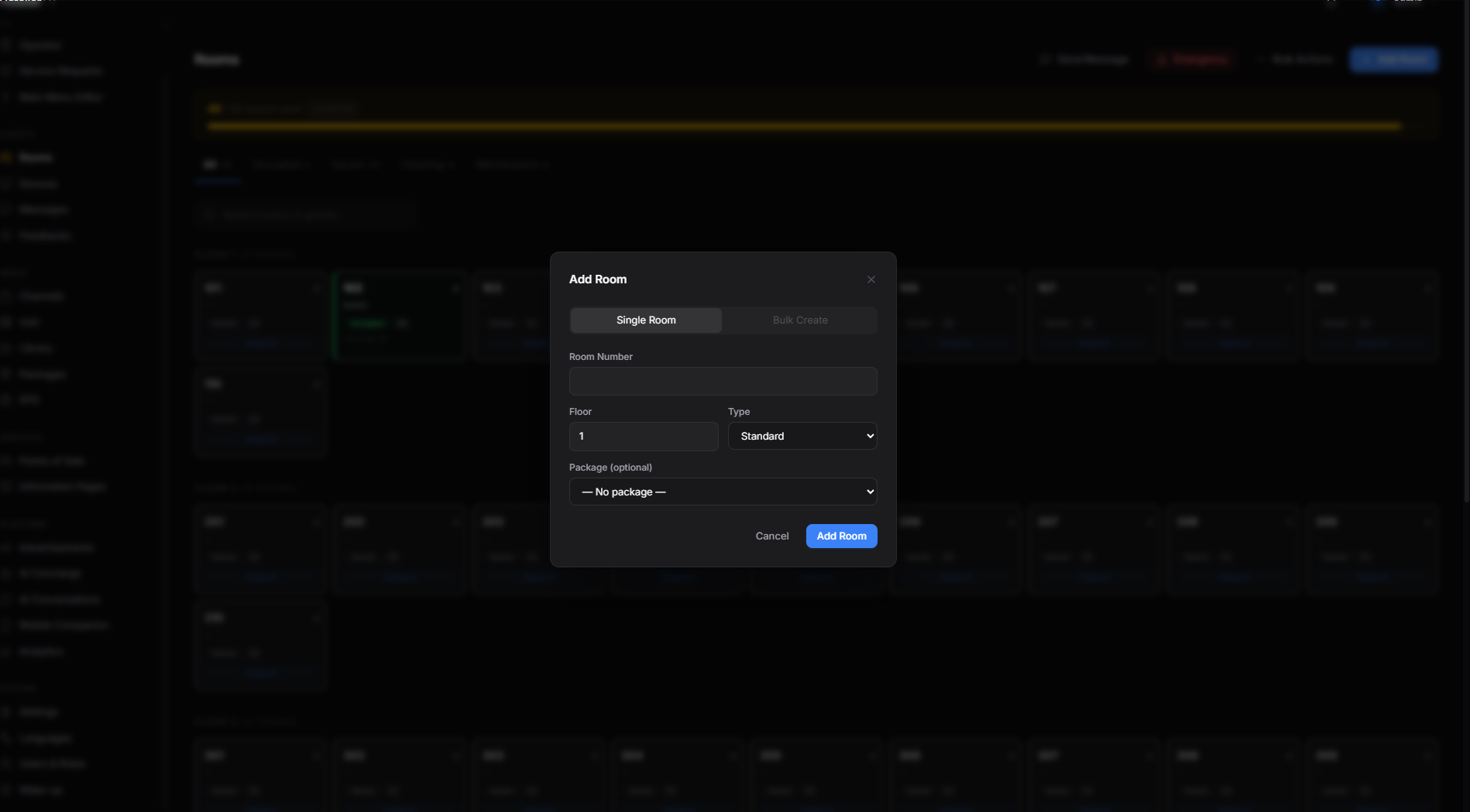
The dialog opens with two tabs near the top: Single Room and Bulk Create. Click Bulk Create.
Step 2: Type the range
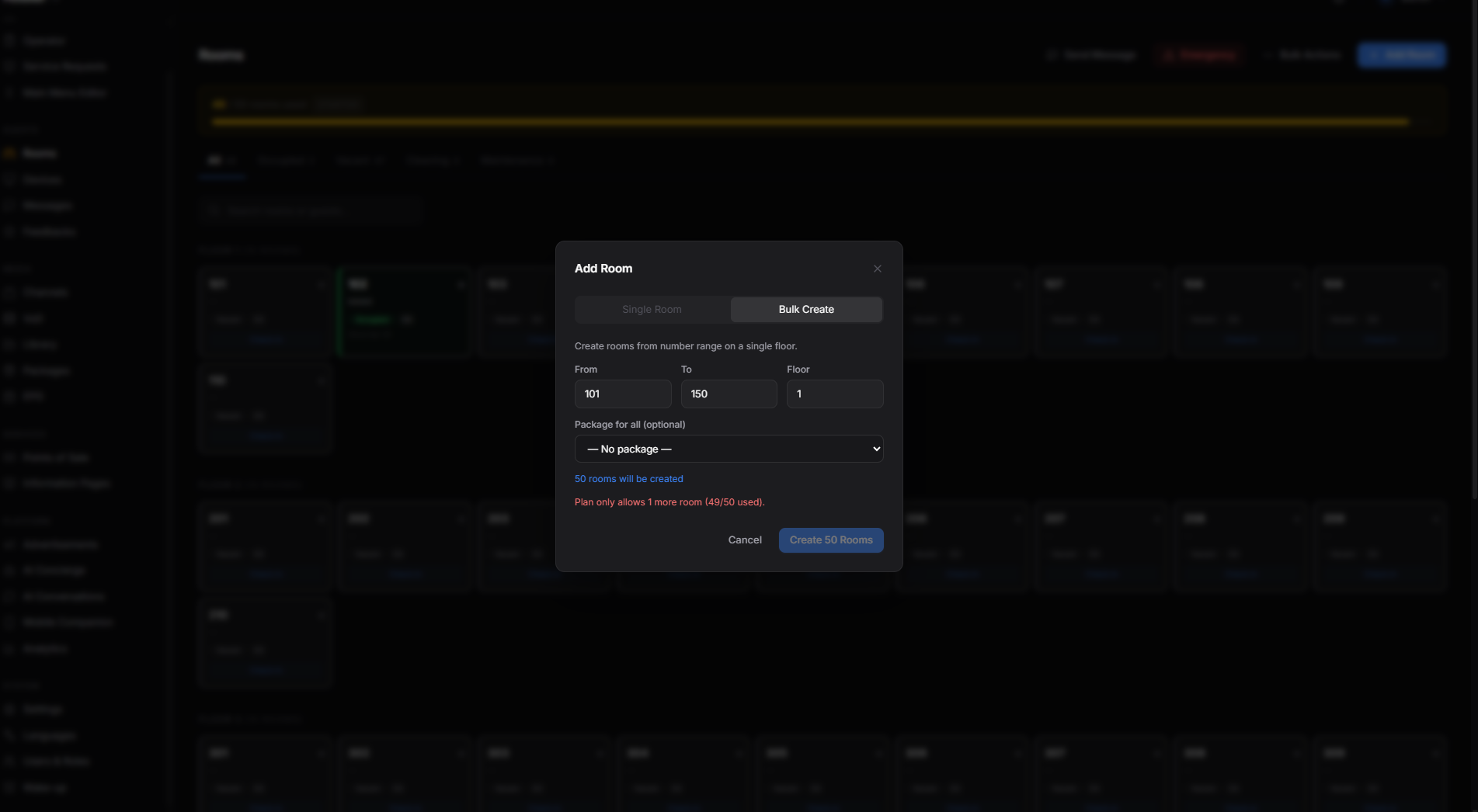
Three fields:
- From — the first room number. Example:
101. - To — the last room number. Example:
150. - Floor — what floor these rooms are on. Example:
1.
Underneath, you'll see a small live count: "50 rooms will be created". Use it as a sanity check.
You can also pick a Package for all (optional) to apply to every new room — useful if you're setting up "Standard" rooms in bulk and they all get the same channel package.
Step 3: Click Create
Click the blue [Create 50 Rooms] button at the bottom right (the number changes to match your range).
The dialog closes and your new rooms appear in the list, all on the floor you picked, all marked Vacant.
Doing more than one floor
Repeat steps 1–3 for each floor. Each time, change Floor and the From/To range:
- Floor 1: 101 → 150
- Floor 2: 201 → 250
- Floor 3: 301 → 350
Tip: If your hotel has the same number of rooms on every floor, you can do it floor-by-floor in about 10 minutes total.
What if it doesn't work?
"Plan only allows X more rooms": You're trying to add more rooms than your plan permits. The form will block the action. Either pick a smaller range, or contact COTT support to upgrade.
"Invalid range": Either To is smaller than From, or you tried to create more than 500 at once. Split it into two batches.
Some rooms didn't get created (count is off): Most likely a few of those numbers already existed (duplicates are skipped). Check the rooms list to see which ones made it.
Page won't load after creating: Refresh (Ctrl+R / Cmd+R) to see the new rooms.