Hotel Room Casting: AirPlay & Google Cast Guide
August 17, 2026
By COTT.TV Hospitality Technology Research Desk·Updated October 18, 2026·7 min read

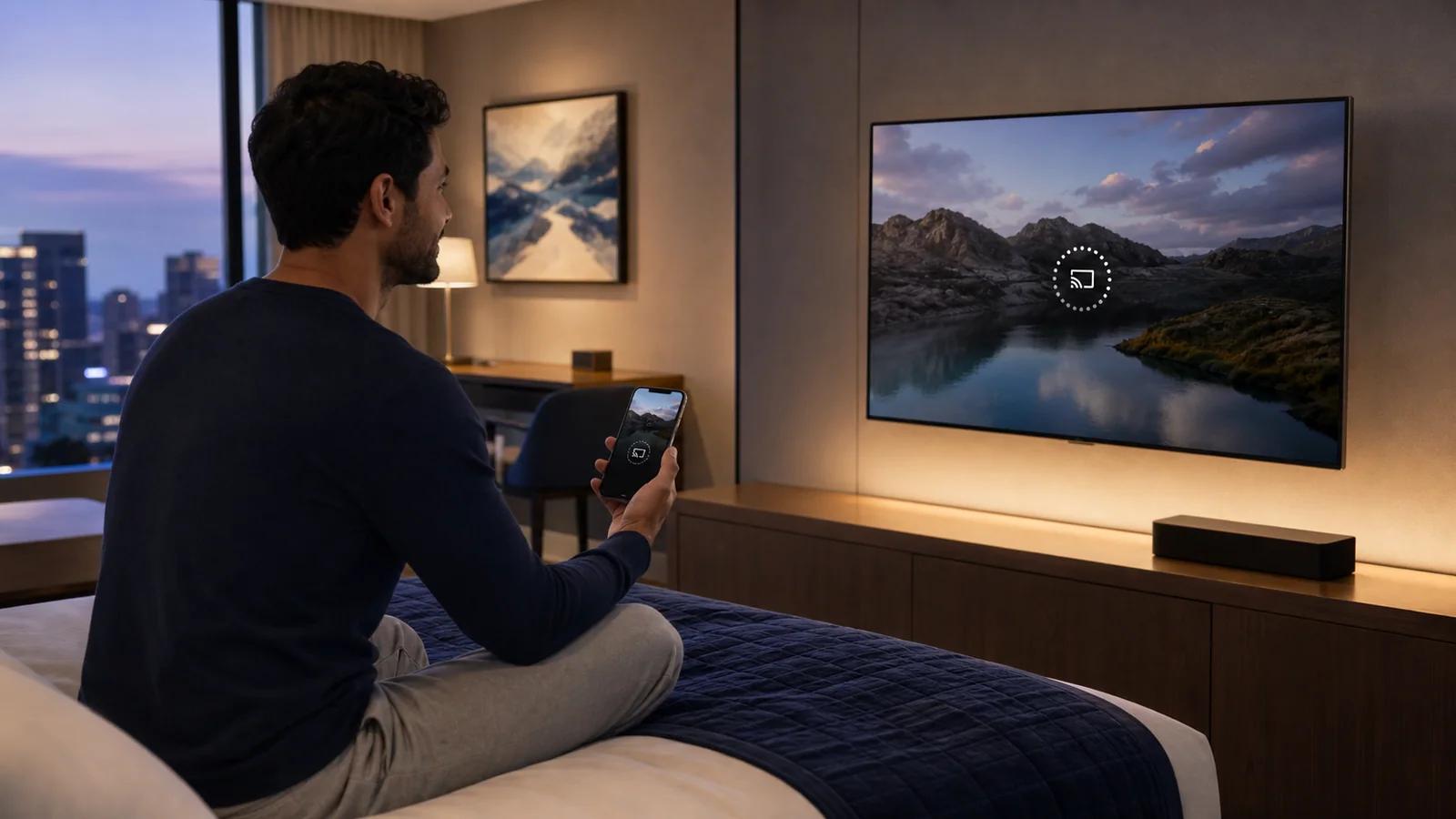
Quick Summary
For an owner or procurement team, the first decision is the guest journey: AirPlay, Google Cast, installed streaming apps, or a combination. Ask for a quotation that names the receiver, supported TV models and network scope, not only a casting logo. The platform application,…
Choose a hotel room casting system
For an owner or procurement team, the first decision is the guest journey: AirPlay, Google Cast, installed streaming apps, or a combination. Ask for a quotation that names the receiver, supported TV models and network scope, not only a casting logo. The platform application, receiver capability and content provider restrictions are separate parts of the solution.
| Decision | What to include in the quotation |
|---|---|
| Existing televisions | Exact model and firmware; direct app or external receiver; remote-control behavior |
| Network | Guest Wi-Fi discovery, room isolation, gateway requirements and installation responsibilities |
| Price | Platform subscription, receiver hardware, network work, deployment and support as separate items |
| Guest services | Hotel information, mobile companion and service ordering required alongside television |
| Acceptance | A named pilot room and written checks before expanding to the remaining rooms |
For example, a hotel with a mixed TV fleet should compare the cost of retaining screens with preconfigured boxes against replacing only incompatible models. A hotel group should also compare who manages room assignments, content and support across properties. Neither comparison can be decided from the screen diagonal alone.
COTT.TV brings the TV interface and guest services into one hotel TV system. Review the platform pricing and project scope, then use the live TV and mobile demonstration to see the guest experience. AirPlay or Google Cast availability is determined by the chosen receiver, television and network design; installing the hotel application does not itself add either protocol to unsupported hardware.
Once the approach is selected, give your technical team the separate network and checkout acceptance plan. Keep the original guide below as the procurement and privacy checklist.
By the COTT.TV Hospitality Technology Research Desk | Updated 17 August 2026
Guests increasingly expect the room television to play the services they already use. The safest response is not to ask them to type a streaming password with a hotel remote. It is to let their own phone control playback through a room-specific casting session that ends automatically.
For hotel owners, "supports casting" is too vague for procurement. A consumer receiver connected to shared Wi-Fi may work in a demonstration and still be inappropriate for 200 occupied rooms. The hotel needs to know how devices discover one another, how room boundaries are enforced, what data stays on the TV and exactly what checkout removes.
AirPlay, Google Cast and installed apps are different
AirPlay sends or controls media from Apple devices to a compatible receiver. Apple's hotel implementation uses a QR-based room pairing flow. When AirPlay launched in selected IHG hotels, Apple described a unique QR code for the room and a pairing session erased at checkout.
Google Cast lets supported apps on a guest device instruct a receiver to play a selected stream. Discovery and receiver isolation need hospitality-aware network design; simply placing consumer Chromecast devices on one flat guest network is not a complete hotel architecture.
Installed OTT apps such as YouTube or Netflix run directly on the television or set-top box. They can provide an excellent experience, but the hotel must clear application credentials and local state at checkout. Launching an app and completing a secure checkout reset are separate capabilities.
A platform may support one, two or all three paths. The specification should name each path instead of grouping them under "screen mirroring".
The privacy failure hotels must prevent
The obvious failure is a guest seeing another room's receiver. The quieter failure is a previous guest's account remaining signed in. Both happen when a consumer workflow is copied into a hospitality environment without a lifecycle tied to room occupancy.
A sound lifecycle is:
1. the receiver has a stable room identity; 2. the current guest pairs through a code or QR flow visible only in that room; 3. the backend authorises only that room and stay context; 4. devices in other rooms cannot discover or control it; 5. checkout, room move or administrative reset destroys the association; 6. the television returns to a clean landing state.
The process should work even when checkout comes from the PMS rather than a front-desk button inside the TV platform.
Network design matters more than the icon
Casting relies on discovery and control traffic that many hotel networks intentionally restrict. A flat network makes discovery easy but creates privacy and security risk. A tightly isolated client network is safer but can prevent the phone from finding the room receiver unless a hospitality gateway maps the two deliberately.
The practical design uses separate logical zones for guest devices, room receivers and hotel systems, with controlled discovery forwarding only for the paired room. Third-party remote management should not create an unrestricted route toward PMS, POS or staff networks.
CISA's IoT acquisition guidance recommends segmentation for IoT devices, particularly where technology is partly controlled by an outside vendor. The guidance is not hotel-specific, but the principle fits room televisions and casting receivers directly.
What to test before accepting a casting system
Isolation test
Put two phones and two receivers in adjacent rooms. Confirm that each phone sees only the intended room. Repeat while both rooms are actively casting.
Checkout test
Sign into an installed OTT application, pair AirPlay or Cast, and then perform a real PMS checkout. Confirm that credentials, pairing and personal history are gone. A visual return to the welcome screen is not enough if the app session survives underneath.
Room-move test
Move the reservation from room A to room B. Room A should reset; room B should become eligible for the new guest. This catches systems that bind only to a reservation and forget the physical endpoint.
Power-loss test
Remove AC power, restore it and verify that the receiver returns to the correct hotel state without exposing the previous session. Also test a temporary internet loss during startup.
Concurrent load test
Run multiple rooms at once. A single successful cast says little about access-point capacity, internet egress or gateway limits at evening peak.
Support test
Ask reception to resolve a failed pairing without entering a guest's phone. Staff should be able to reset the room endpoint while preserving privacy.
Bandwidth is not one number
Casting traffic may come from a streaming provider directly to the room receiver, so the hotel's external bandwidth and Wi-Fi design still matter even if the guest phone acts only as a controller. Installed applications behave similarly. Screen mirroring can behave differently because the phone may send a local media stream.
Budget for concurrent peak use, not total rooms. If 40 rooms each receive an average 8 Mbit/s stream, the media load is about 320 Mbit/s before protocol overhead and other guest traffic. Adaptive streaming can reduce quality under pressure, but "it still plays" is not the same as a good guest experience.
Our hotel IPTV network guide provides a fuller calculation model.
Procurement checklist
| Requirement | Evidence to request |
|---|---|
| Room-specific discovery | Architecture diagram and two-room demonstration |
| Checkout wipe | Test showing PMS checkout clears pairing and app credentials |
| Network isolation | VLAN, firewall and discovery-flow requirements |
| Supported devices | Exact TV models, firmware and mobile OS versions |
| Remote support access | Role controls, logs and property separation |
| Failure recovery | Behaviour after power and internet interruption |
| Lifecycle | Update policy and end-of-support dates |
COTT.TV deployment paths
COTT.TV can run directly on validated LG, Samsung and Philips hospitality televisions or through a preconfigured COTT set-top box. The guest interface can expose installed applications and hotel services while the room lifecycle remains centrally controlled. Casting capability depends on the exact television model, firmware, receiver architecture and commercial platform approvals, so COTT.TV validates the proposed hardware rather than promising a generic icon.
Review the downloads and supported deployment routes or request a working hotel TV demonstration.
Sources and further reading
- 1Apple: AirPlay in selected IHG hotel rooms
- 2Apple: AirPlay overview
- 3Google Cast developer documentation
- 4CISA: Internet of Things acquisition guidance
Capabilities vary by hardware, firmware, network and content-service policy. Validate the final bill of materials on the exact hospitality television or receiver before procurement.
Related Posts
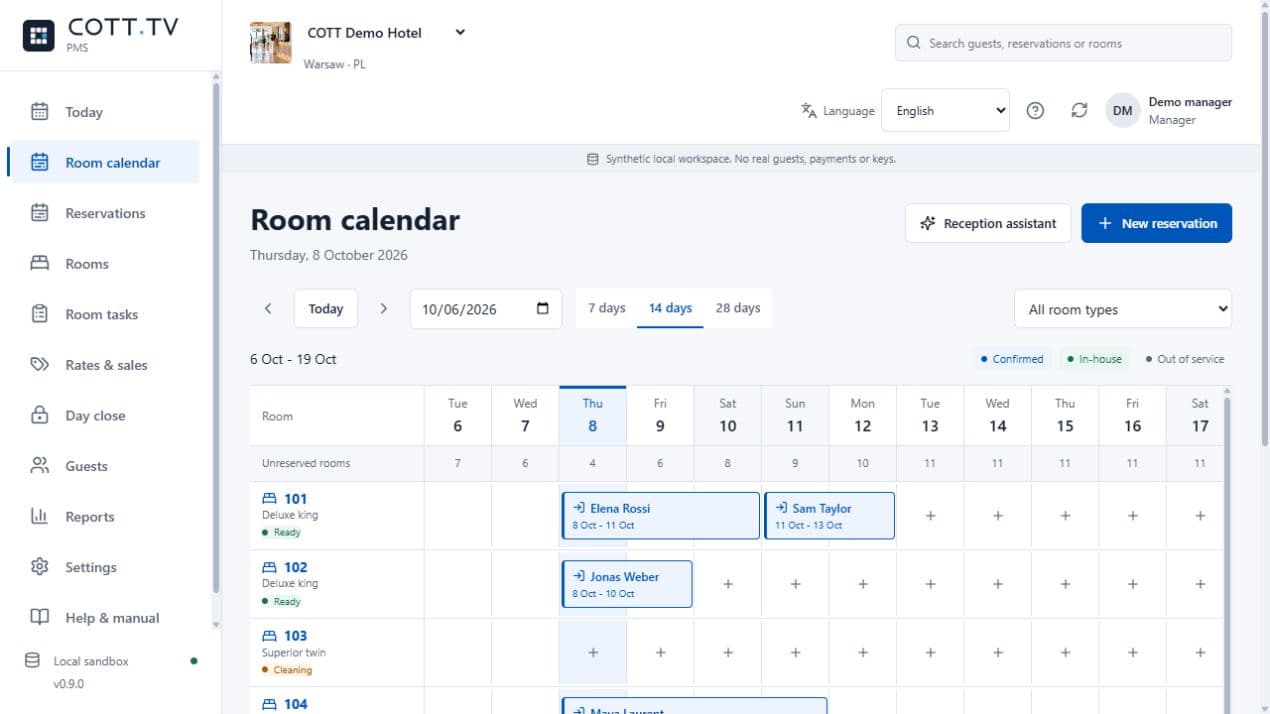
Introducing COTT DESK: Hotel PMS, Built Around the Hotel Day
2026-10-15
COTT DESK brings reservations, reception, housekeeping and guest accounts together. Applications open for a selected 90-day Founding Hotels pilot.
Hotel IPTV System Requirements: The 2027 Pre-Tender Checklist
2026-09-24
A vendor-neutral requirements framework for rooms, televisions, networks, content, PMS events, security, monitoring and acceptance.
Hotel Casting: Network & Checkout Test Plan
2026-09-22
A hotel casting acceptance checklist for room isolation, Wi-Fi discovery, recovery and checkout. Record the exact TV, receiver and firmware before rollout.