Remotes, Text and Menus: Making Hotel TV Easier for Guests of…
November 28, 2026
Research period: October 2026
By COTT.TV Hospitality Technology Research Desk·Published November 28, 2026·8 min read

Quick Summary
Test the first three TV tasks with the actual remote and room equipment. Check text and focus states from the bed, not just on a design screen. Assign an owner to each problem found, then verify fixes across the TV models and room layouts in scope before expanding a rollout.
A hotel TV can present a simple-looking screen while asking a guest to work out which remote controls it, where the current selection is and how to get back after a wrong turn. Those questions are best answered in a furnished room, with the installed equipment, not from a menu design viewed on a laptop. For an owner, general manager or technology team, a short task-based review can also reveal whether a problem belongs to the content, the interface or the hardware configuration.
Design for needs, not age labels
Guests of different ages can have different levels of familiarity with a remote. Vision, motor needs and language preferences also vary between individuals. An age-based interface specification will miss many of those differences. A more useful question is whether a person can recognise an available action, carry it out and recover if the result is unexpected.
Consider the whole room setup. Can a guest read the remote in the lighting available when they want to watch? Is the currently selected menu item apparent from the bed? If the TV opens on an unexpected input, does the screen offer a recognisable next step? These are questions to investigate, not findings that apply to every installation.
W3C’s Web Content Accessibility Guidelines (WCAG) 2.2 provide design references for readable and operable interfaces. They do not, by themselves, certify a television, its firmware, a remote or a complete guest-room setup. Nor does using them as a reference establish which legal requirements apply to a particular hotel. Evaluate the equipment and content guests will actually encounter.
Start with the essential tasks
Ask a participant to turn on the TV from its usual room-ready state. Observe what appears and which button they try next. Record any input selection, connected-device screen or delay that affects their understanding of whether Power worked. The intended startup sequence is less useful than the sequence the installed system delivers.
Next, ask the participant to find a channel without giving them its number or showing them a route. Watch whether the remote makes a channel list or guide discoverable, whether the selected item stays visible and what happens if the choice does not lead to a channel. Do not assume that offering several browsing routes makes any of them clear.
Finally, ask them to return to the home screen. Begin from a channel, then repeat after an unintended menu choice. Back and Home may have different effects; document those effects instead of assuming the button labels explain them. A reliable route to a known screen matters because guests will not always follow the path a designer expected.
These tasks are an editorial starting point, not a claim that they describe every guest’s viewing priorities. They are useful because they expose hand-offs between components. A startup issue may need a display-setting review, while a channel-label problem may sit with whoever maintains the content. Note the screen and configuration at which each difficulty occurs before assigning a remedy.
Review the remote and menu as a pair
A menu that appears straightforward with a mouse may be difficult to navigate with directional buttons. Test focus, the visible indication of what OK will activate, as well as the wording on screen. The following is a review checklist, not a report of measured defects.
| Check | Try this in the room | Record or consider |
|---|---|---|
| Startup | Use the supplied remote from the room-ready off state. | Note unexpected screens, input changes and who controls the relevant setting. |
| Controls | Find Power, directions, OK, Back, Home and volume without a demonstration. | Note ambiguous labels, similar-looking buttons and legibility in normal room lighting. |
| Focus | Navigate across light, dark and image backgrounds. | Record where the selection becomes difficult to identify. |
| Navigation | Move to the edge of a menu, then use Back and Home. | Note surprising jumps, loops or destinations. |
| Recovery | Open an unintended item or an unavailable option. | Record whether an understandable route back remains visible. |
| Variation | Repeat on the TV, remote and connected-device combinations in scope. | Keep findings tied to the configuration tested. |
Treat a wrong button press as evidence about the available cues, not a judgement about the participant. Equally, investigate before replacing hardware: an unclear on-screen label or focus state may be the part that needs attention. If a proposed replacement remote is under consideration, assess it in hand and with the intended TV setup.
Read from the bed, not just at the desk
Check channel names, instructions, error messages and selection labels from the usual viewing positions. Include the angle from which a guest is likely to see the screen. A large welcome heading cannot compensate for a channel list whose entries are hard to distinguish at that distance.
WCAG 2.2 Level AA gives contrast references of 4.5:1 for normal text and 3:1 for large text, subject to the guideline’s conditions and exceptions. Those ratios can inform a design review; they do not prove that text will be readable on every installed display. A photograph, moving image or translucent panel can alter the effective background. Inspect representative light and dark scenes, and check the focus indicator as well as the text.
Readability is also a content-management issue. A short label in one offered language may wrap or truncate in another. Test the languages the property actually provides, including menus reached after an error. If enlarging type creates excessive scrolling or hides an essential action, reconsider the wording and layout together. Approve the result on the installed screen, rather than approving only a design file.
Observe a pilot without inventing a benchmark
A practical pilot uses rooms prepared as guests would find them and participants who have not been taught the intended route. The team might, hypothetically, need to assess two TV-and-remote configurations across different room layouts. That is an illustration for planning, not an account of a COTT.TV test or a recommended sample size. A property should substitute its own inventory and decide which combinations must be represented.
Give participants neutral prompts for the startup, channel-finding and return-home tasks. An observer can record the buttons pressed, screen states, hesitation, requests for help and whether the intended destination was reached. Afterwards, ask what a confusing label or control appeared to mean. Record the viewing position and configuration alongside each observation so a problem can be reproduced.
Do not impose a universal completion-time target. If the team compares versions, elapsed time may be useful under consistent test conditions, but it should not replace notes on mistakes and recovery. A participant who arrives quickly by accident may still be unable to find the route again. After a change, repeat the prompts and compare the recorded behaviours. A proposed fix is not a measured improvement until it has been checked.
For a group rollout, select pilot rooms to cover meaningful differences in displays, remotes, connected equipment where present, interface versions and viewing positions. Do not treat a successful test on one configuration as approval for another. The aim is to identify what can be standardised and what still requires property-level verification.
Put an owner and a verification step against each finding
Different parties may control different parts of the experience. A content owner can revise instructions or channel labels. An interface owner can investigate focus and menu routes. A property or hardware team can examine remote condition, display settings and input behaviour. Operations can check whether any room instructions match what is installed. The integrator or technology lead can maintain the configuration record and coordinate a retest.
For each finding, record the affected configuration, the observed behaviour, a proposed action, its owner and how the team will check the result. ‘Menu confusing’ is too broad to assign. ‘After selecting this item, Back returns to a screen without a visible Home route on this configuration’ gives the responsible team something specific to investigate.
COTT.TV brings a consistent guest experience to compatible hospitality televisions and managed devices across hotels of different sizes. Start with the TV application downloads and guest-TV demo, then test the chosen configuration in the real room with its actual remote. This connects the interface discussion to the seating distance, display settings and navigation guests will use.
Before expanding a change, decide which findings prevent a guest from completing or recovering from an essential task, which require a scheduled correction and which can be monitored. Retest the affected configurations after corrections. Keep exceptions visible in the rollout record so approval of one room setup is not mistaken for approval of them all.
Practical questions
Should usability decisions be based on age alone?
No. Vision, mobility, language and familiarity with remotes vary individually. Observe real tasks and provide clear, predictable navigation.
Does applying a contrast guideline certify a TV?
No. A design reference informs the review; the room configuration and guest experience still need testing.
Sources and methodology
Evidence reviewed 23 October 2026. The external design reference is W3C: Web Content Accessibility Guidelines 2.2. The contrast ratios stated here are WCAG Level AA references, not measurements of hotel TVs. The task sequence, checklist, hypothetical pilot and rollout approach are COTT.TV editorial recommendations. They are not results from a customer study, a physical product test or a manufacturer certification.
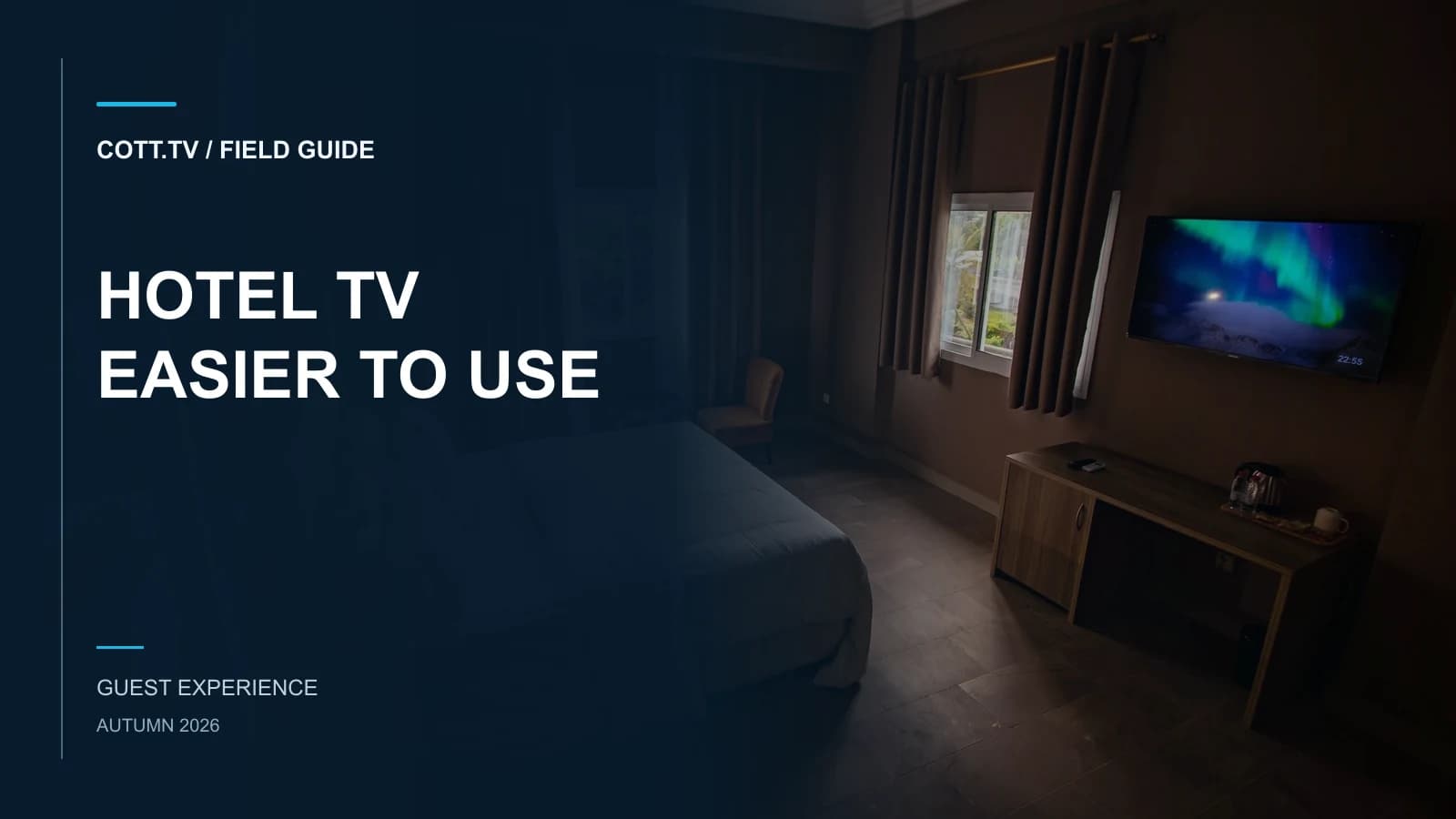
Cover photograph: JAPAZON Fonkwo / Unsplash.
Related Posts
43, 50, 55 or 65 Inches? Choosing the Right TV for a Hotel Room
2026-11-06
A practical way to choose hotel TV sizes using room measurements, calculated panel dimensions, readable interfaces and model-specific installation checks.
Hospitality TV or Consumer Smart TV: What to Check Before Buying
2026-10-27
A room-TV purchase is also a decision about configuration, guest privacy and support. Use this comparison and acceptance plan to assess hospitality displays and consumer TVs with external equipment against the same requirements.
White-Label Hotel TV: Building a Recurring Service Business for Integrators
2026-11-24
A practical framework for integrators to scope a branded hotel TV service, assign costs and support responsibilities, check device estates, and test recurring economics without treating planning assumptions as results.