Hospitality TV or Consumer Smart TV: What to Check Before Buying
October 27, 2026
Research period: October 2026
By COTT.TV Hospitality Technology Research Desk·Published October 27, 2026·9 min read

Quick Summary
Define the room’s required controls and guest-data process before comparing displays. Check each exact model, external device and platform combination in a real room; confirm support and commercial terms in writing before ordering.
The screen guests see is only one part of a hotel TV installation. The property also needs a reliable way to prepare each room, keep essential settings consistent, handle guest sign-ins and recover when something fails. A display that looks suitable on a specification sheet may create work at checkout if those processes have not been designed.
The choice is not simply between a hospitality TV and a cheaper consumer TV. A consumer display paired with a separately managed set-top box (STB) may meet a property’s requirements. A hospitality model may simplify some tasks, but the label alone does not establish that a particular feature is included, licensed, compatible with the chosen platform or ready for the property’s checkout process. Compare complete proposed installations, not categories in isolation.
Define the service the room must deliver
Start with a short description of the intended guest experience. What should appear when the TV starts? Which sources should guests be able to select? Will they use apps on the TV, an external device, or neither? Who restores the room after checkout, and what evidence will show that personal sessions have ended? These decisions determine what the display must do itself and what another component must provide.
Make the same distinction for operations. A desired welcome screen is different from a requirement to force a particular startup input. A configuration file that can be copied to another display is different from a process for checking that every installed room received the right configuration. Remote access is different from a support agreement covering faults. Write each requirement as an observable result and assign responsibility for achieving it.
The supplied manufacturer references identify the LG 55UK762H Europe/CIS variant and the Philips 43HFL5114/12 MediaSuite model. They are useful starting points for requests about exact products, not evidence that either will satisfy every requirement below. Ask suppliers to identify the ordered SKU and regional variant, firmware, any necessary licences and the components responsible for each proposed function. Do not transfer an answer for one model or region to another.
Compare the installation, not just the TV
Use this table as a test schedule for both a proposed hospitality-TV installation and a consumer-TV-plus-STB installation. Its questions are procurement checks, not assertions that either named model includes every function.
| Requirement | Ask of the proposed hospitality-TV installation | Ask of the consumer-TV-plus-STB installation | Witness in the room |
|---|---|---|---|
| Startup input | How is the intended source selected and retained? | Can the TV return to the STB input after guest use and loss of power? | Restart the equipment and try another source. |
| Settings lock | Which guest-accessible menus and controls can be restricted? | Which TV settings remain outside the STB’s control? | Try the supplied remote and accessible panel controls. |
| Volume | Can an approved range be set and maintained? | Can the TV enforce the required range independently of the STB? | Test both the ordinary controls and recovery after restart. |
| Configuration transfer | How is an approved room configuration reproduced and checked? | What must be configured separately on each TV and STB? | Set up another room from the documented procedure. |
| Apps and sources | Which installed apps and inputs can be governed, and by whom? | Could guests reach TV apps or inputs outside the managed experience? | Move among permitted and restricted paths. |
| Guest-state reset | What triggers session removal, and which components does it cover? | How are sessions on the STB and on the TV handled separately? | Sign in using test accounts, run checkout, then inspect both devices. |
| Support | What can support staff diagnose remotely, if anything? | Who owns faults involving the TV, STB, network and their connections? | Follow an agreed fault-reporting and recovery procedure. |
A successful test of one row does not imply that another is covered. In particular, clearing an STB session does not demonstrate that a guest’s sign-in on a TV app has been removed. Nor should a power cycle be treated as a checkout reset without a test of the actual process. If guest access to a function cannot be controlled, decide whether that function should be offered at all.
Give consumer TVs a fair assessment
A consumer smart TV can be a reasonable display in a managed installation when the external equipment delivers the intended service and the property has a workable procedure for the TV’s remaining controls. This may be especially relevant when evaluating displays already installed. The question is whether the combined system meets the property’s requirements at an acceptable support burden, not whether one category is inherently unsuitable.
An STB may manage what it presents on its own output. It should not be assumed to control the TV’s native apps, menus, inputs, volume settings or stored guest accounts. Those depend on the actual display, its configuration and the connection between components. Conversely, do not assume a hospitality TV automatically handles every checkout or privacy task. Establish where a guest can enter personal information, identify who can remove it, and test removal at each location.
Include the physical room in that assessment. Check whether a guest can unplug or bypass an external device, whether the intended remote makes the permitted actions clear, and whether staff can restore service without guesswork. These are design and support questions, not reasons to dismiss a consumer-TV proposal before it is tested.
Price the lifecycle without inventing savings
Request comparable written quotations for the complete alternatives: displays, mounts where relevant, external devices, required licences, configuration work, installation, spares and support. Ask which party will apply firmware updates, replace failed equipment and investigate faults that cross the TV, STB and network. Obtain warranty scope and duration for the exact proposed products rather than assuming terms from the words “commercial” or “consumer.”
The lowest equipment quote need not be the lowest total cost, but a higher-priced option has not proved a saving merely because it promises easier management. For each proposal, estimate the work your own team expects to perform: initial configuration, room changes, checkout checks, updates and fault recovery. Record assumptions separately from quoted charges. If an integrator says a task will take less time, ask for the procedure and validate it during the pilot before using that time in a budget.
Treat dependencies as costs and risks too. An otherwise suitable app may depend on commercial access or a managed-platform licence; availability on a product page does not settle the hotel’s right or ability to deploy it. Confirm the applicable terms and technical requirements with the relevant suppliers. Do the same for replacement stock and the procedure for restoring a room to its approved state. No price or operational saving can be inferred from the two manufacturer references alone.
Run a witnessed room acceptance test
Before a broad order, agree on pass criteria and install the proposed combination in a representative room. Use the intended TV variant, firmware, remote, network connection, external equipment and management configuration. Include an operations representative as well as the installer: the people who will handle checkout and faults should see whether the procedure is practical.
Begin from a documented approved configuration. Start the system, change inputs and settings as a guest might, interrupt power, and check what returns. Use test accounts wherever a personal sign-in is possible. Follow the property’s proposed checkout path, not a convenient substitute, and check each device for retained sessions. Then restore the room using the written staff procedure. Repeat any step affected by a configuration or firmware change.
Record the result against each requirement: observed behaviour, component involved, person responsible for a fix and whether a retest is needed. A supplier statement can explain how a function is intended to work; it does not replace acceptance on the selected installation. If checkout data removal or recovery cannot be demonstrated, hold that requirement open rather than calling the deployment ready.
COTT.TV works with compatible hospitality TVs and managed set-top boxes, giving hotels a choice of deployment paths. Its platform supports individual hotels, large properties and groups. Explore the hotel-TV overview and application downloads, then include your exact TV model, software configuration and desired guest workflows in the project brief. The same witnessed acceptance checklist can guide procurement and installation.
Put the answers into the order
The purchase order and installation plan should identify the exact SKU and region, approved firmware or update procedure, supplied remote, connected devices and required licences. Attach the acceptance criteria and say who supplies configuration records, who trains staff, who handles guest-data removal and who supports faults spanning suppliers. Agree how substitutions will be reviewed: a different model should not inherit an untested model’s sign-off.
For a larger rollout, define a repeatable room handover. An installer should be able to show which configuration was applied, while the property should know how to verify it and restore it later. Keep unresolved requirements visible to the purchasing decision-makers. A display purchase is complete only when the proposed room service, responsibilities and exceptions are understood, not when the boxes arrive.
Practical questions
Can a consumer TV still be used with a managed box?
It can be a deployment option where the display, inputs, control path and managed box meet the agreed requirements. Test the complete room setup rather than the display alone.
Does a hospitality label settle every integration question?
No. The exact model, firmware, licensed components and hotel workflow still belong in the acceptance test.
Sources and methodology
Research was reviewed on 23 October 2026. The product references are the LG 55UK762H Europe/CIS manufacturer specifications and PPDS Philips 43HFL5114/12 MediaSuite manufacturer specifications. They concern those specific products and variants, not every model sold under either brand. This guide does not establish comparative performance, feature availability across firmware versions, app access, licence terms, warranty terms or compatibility in a particular installation. The table, acceptance steps and procurement advice are editorial recommendations, not measured results, customer findings or manufacturer certifications. Confirm product functions and commercial terms with the relevant suppliers, then test the complete proposed system before sign-off.
Cover photograph: JAPAZON Fonkwo / Unsplash.
Related Posts
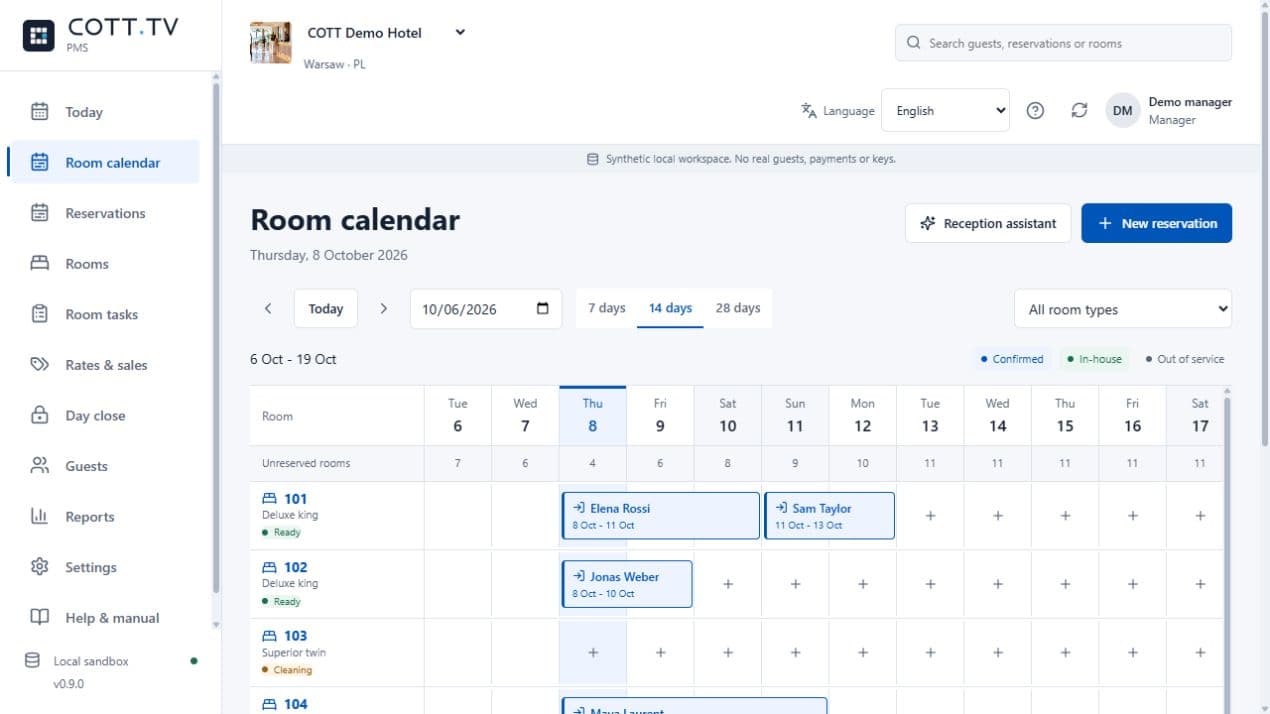
Introducing COTT DESK: Hotel PMS, Built Around the Hotel Day
2026-10-15
COTT DESK brings reservations, reception, housekeeping and guest accounts together. Applications open for a selected 90-day Founding Hotels pilot.
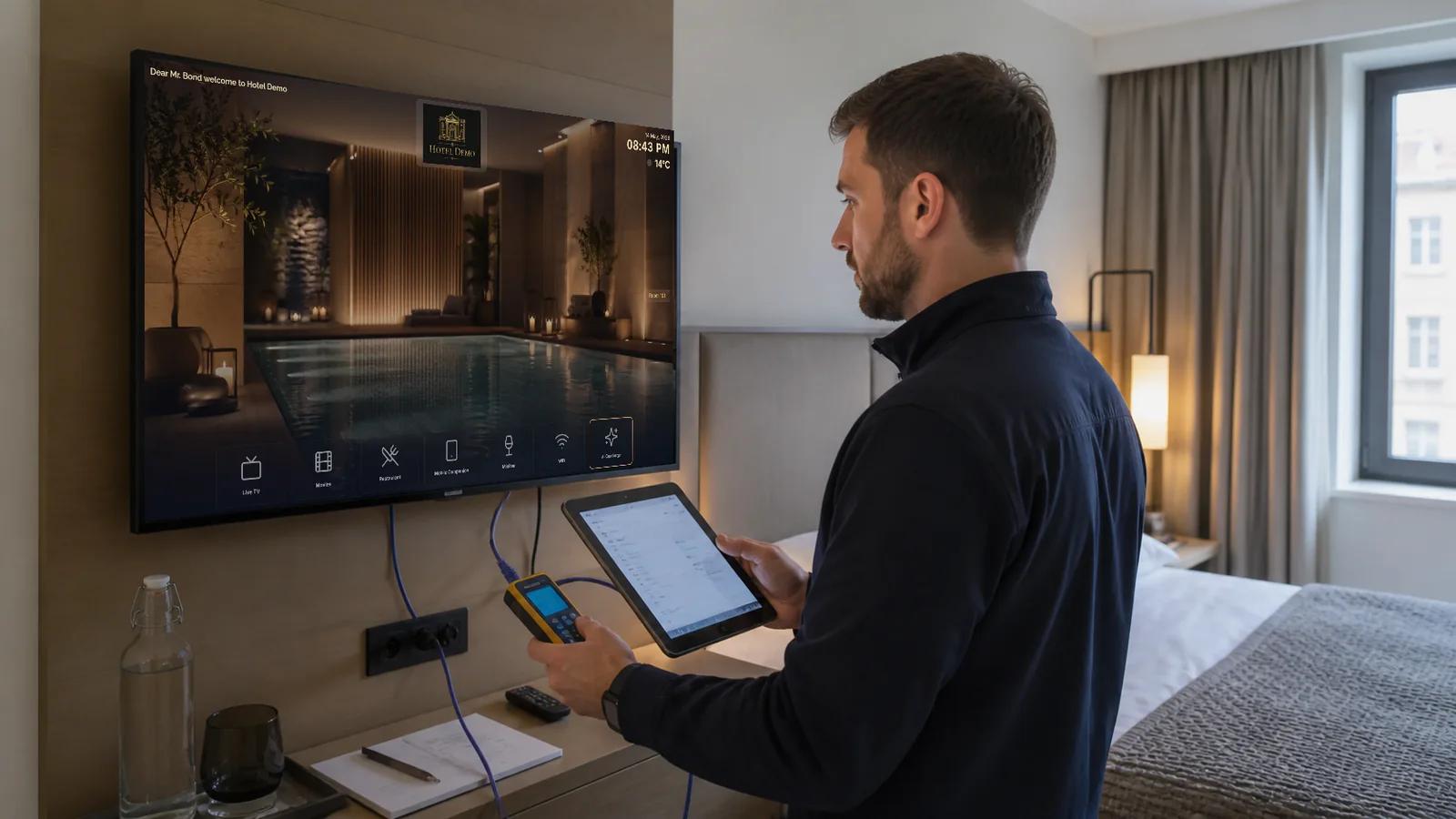
The 30-Day Hotel Technology Readiness Plan Before Peak Season
2026-08-18
A practical four-week plan for testing room technology, content, networks, staff workflows and recovery procedures before occupancy leaves no time for surprises.

EU Tourism Demand in H1 2026: What Hotels Can—and Cannot—Learn
2026-10-25
EU tourist-accommodation guest nights rose in the first half of 2026, but national changes are not hotel forecasts. Here is how to use the data alongside property records to make better service and distribution decisions.