How to Audit 100 Guest-Room TVs in One Morning
August 20, 2026
Research period: May 2026
By COTT.TV Hospitality Technology Research Desk·Published August 20, 2026·3 min read

Quick Summary
Prepare the room list in advance, divide the property by model and network segment, use a 90-second room test, capture device identity automatically where possible and retest every exception after correction.
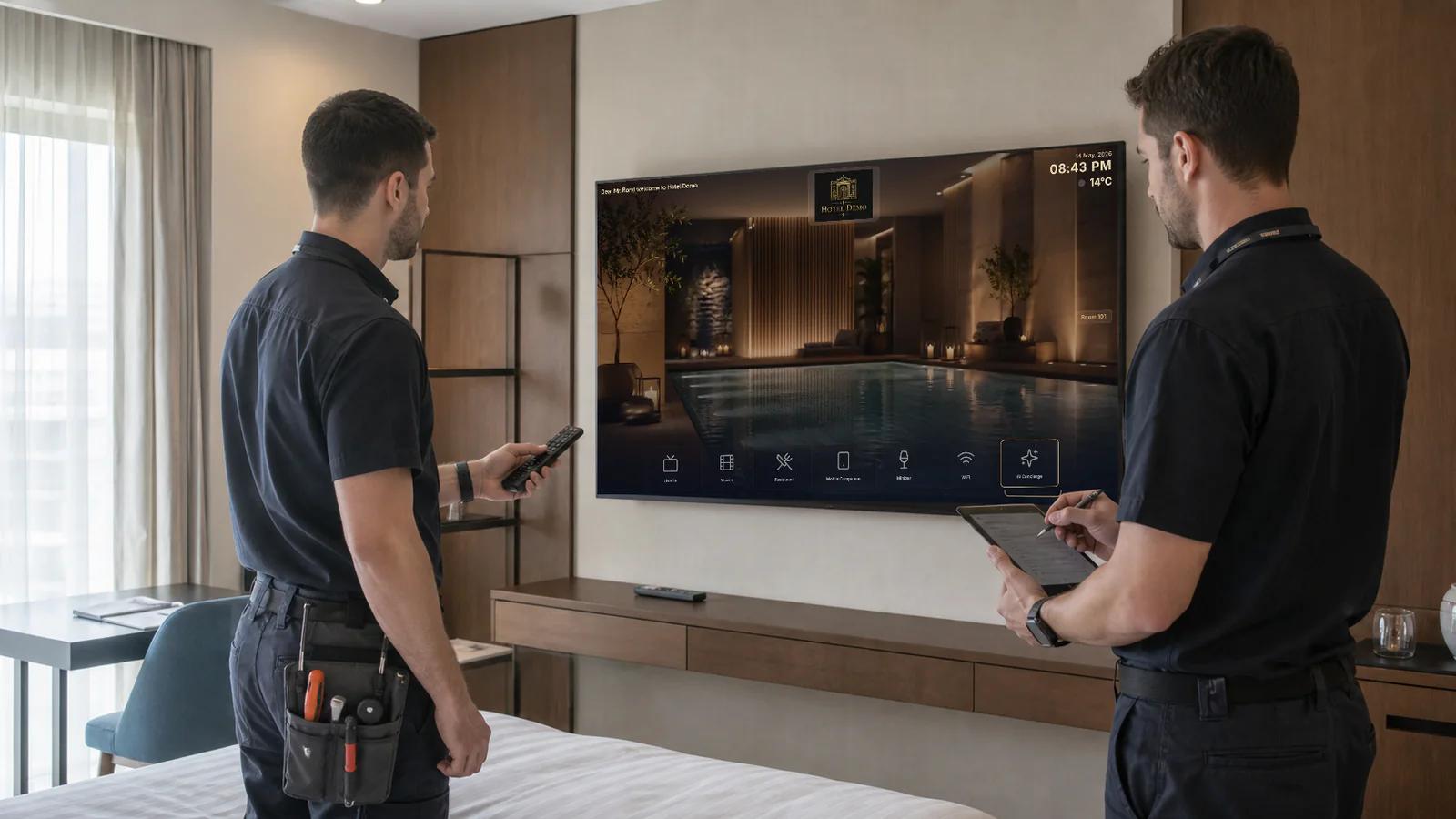
A hotel television audit fails when it becomes a slow walk through rooms with no consistent evidence. The objective is not to watch every channel for five minutes. It is to identify patterns quickly, prove the critical guest journey and isolate exceptions for repair.
Prepare before opening the first door
Export the official room list and combine it with known TV model, firmware, MAC or serial, switch or VLAN and deployment method. Mark suites, accessible rooms and any rooms with a different screen. Build the test form before entering guest areas.
For 100 rooms, use two people and two routes. One tester operates the screen while the other records exceptions and coordinates access. Arrange the route with housekeeping so the audit follows vacant or released rooms.
The 90-second room test
1. Wake or cold-start the television. 2. Confirm the correct property and room identity. 3. Open the main menu and one information page. 4. Start a live channel and change channel once. 5. Check audio, remote response and picture fit. 6. Open one service or application tile. 7. Record pass, defect code and device identity.
Do not troubleshoot deeply inside the room. If the defect cannot be corrected in two minutes, mark it and continue. The morning audit finds the population of problems; the repair session solves them.
Sample intelligently
Every unusual combination must be tested: each TV model, firmware family, network segment, floor, room type and installation path. If 80 identical rooms share one configuration, test a representative sample first, then run a quick identity and playback check in the rest.
Increase the sample when a pattern appears. One failure in a model group may be local. Three similar failures usually justify checking the entire group before declaring readiness.
Use defect codes
Short codes make the result usable:
- 1ID: wrong property or room pairing;
- 2NET: no network or unstable connection;
- 3APP: application does not load or resume;
- 4LIVE: channel playback or zapping issue;
- 5AV: audio, overscan or picture problem;
- 6RC: remote-control problem;
- 7DATA: previous guest information remains;
- 8CONTENT: hotel information is wrong or missing.
Add a photo only when it explains something the code cannot. A hundred unlabelled phone pictures become another problem to sort.
What to measure
Report first-pass rate, defects by code, failures by model and floor, mean repair time and final pass rate. Device identity should be captured from the platform where possible, reducing manual transcription.
The result should answer management questions: Is the property ready? Which rooms cannot be sold with the expected experience? Is there a systemic model or network issue? What must be purchased?
Retest and close
Every failed room needs a second timestamped result. Do not close a group issue merely because one screen began working. After configuration changes, cold-start a representative device and repeat the guest journey.
COTT.TV operational advantage
COTT.TV links rooms to registered devices and gives a central view of deployment state. Direct hospitality-TV applications and COTT STBs follow the same room-level operating model, which makes mixed fleets easier to audit. The system can also preserve certification records for approved models and firmware.
Sources and further reading
Related Posts
Hotel TV Five-Year TCO: Cloud, STB and On-Premise Cost Model
2026-09-07
A transparent five-year cost model for licences, room endpoints, servers, support, internet, content and internal labour.
Hotel TV Tender Specification: 24 Questions Before Ordering Screens
2026-08-22
The procurement questions that separate a supported hospitality-TV deployment from a cheap screen purchase that creates years of operational cost.
How to Upgrade Your Hotel from Cable TV to IPTV: Step-by-Step Guide
2026-04-08
Complete migration guide for hotels switching from cable or satellite TV to cloud IPTV. Step-by-step process, cost analysis, timeline, and common pitfalls to avoid.